QR Manager
For hospitality · trade · retail · clubs

Printed is printed. Wrongly linked doesn’t have to stay that way.

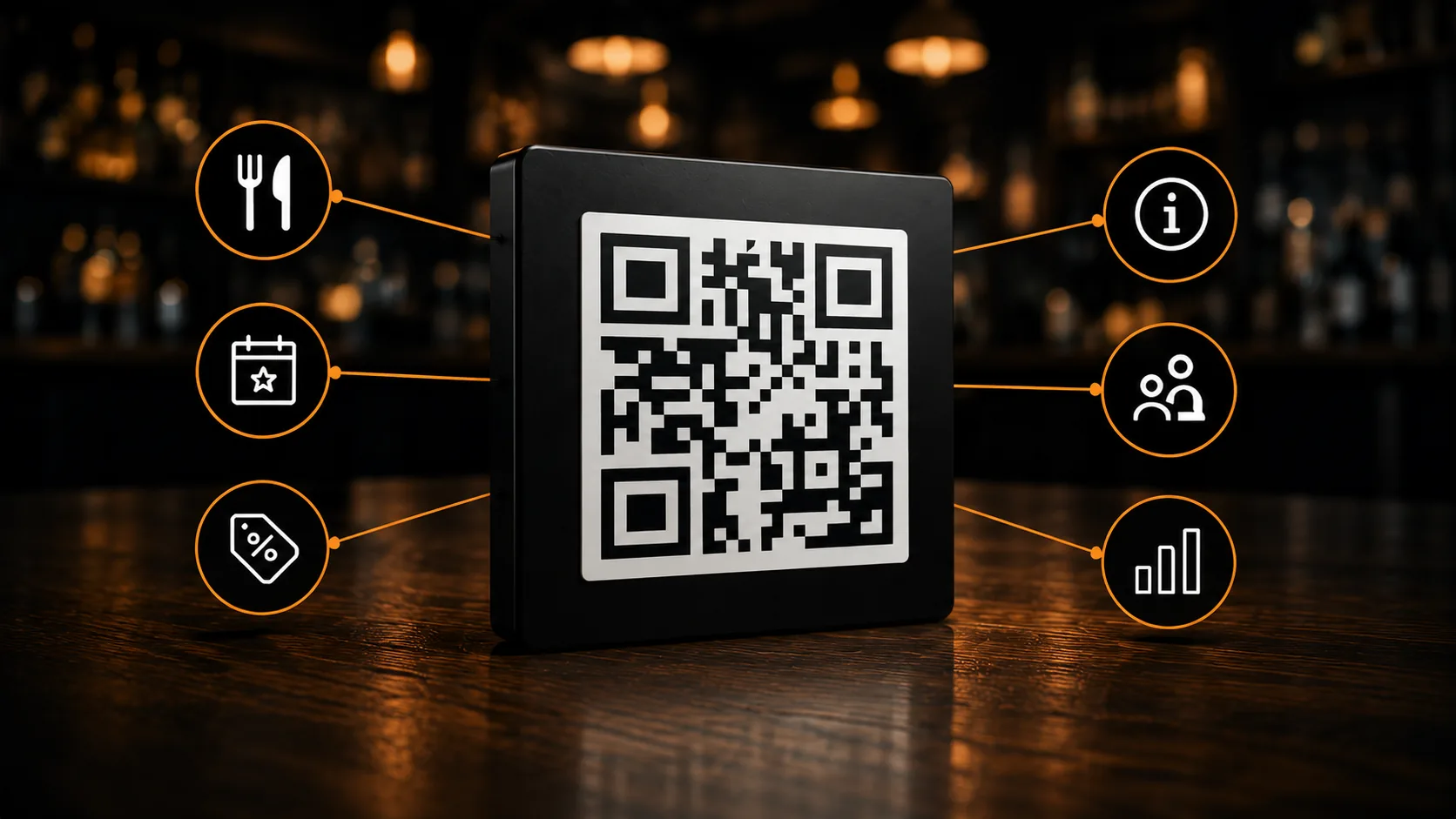
Is your QR code already printed, handed out or permanently attached? Simply change its target. The code stays the same – and your printed material stays usable.

First QR code in minutes · no payment details needed

Change the target anytime  ·  From €9 a year  ·  German provider

One QR code.
The right information
at the right time
in the right language.
The QR-Manager detects time and language automatically.

QR code of the landing page

Now: Tuesday, 08.09.2026 · 21:41

If you scan the QR code right now, you’ll see:

Rest day

  • Mon, Wed, Thu, Fri, Sat, Sun · 00:00–10:00Breakfast
  • Mon, Wed, Thu, Fri, Sat, Sun · 10:01–14:00Lunch
  • Mon, Wed, Thu, Fri, Sat, Sun · 14:01–23:59Dinner
  • Tue · 00:00–23:59Rest day

Try it out.

Scan the QR code with your smartphone. You will automatically get the menu that fits this moment.

🌐 Different language? Just switch it at the top of the viewer.·↗ Try the reservation button in the menu.

Try it live · no sign-up

Don’t take our word for it. Try it out.

Scan the QR code with your phone. Then change its target here and scan the same code again. Same QR code – a different target.

That’s exactly the difference. With a static QR code, the target is fixed. With the QR-Manager, you change the target – not the printed code.

The demo is ready. Scan the QR code with a second phone or test the redirect directly.
⚡ Live

That is the difference to a QR generator: this demo QR stays the same for 15 minutes. You only change its destination – and the very next scan already lands somewhere else.

  • Scan with a second phone and watch the change happen live.
  • The Promo90 landing page is always used as the starting target.
  • You only type domain and path – https:// is already preset.
Live demo · 15 minutes Your demo stays active for about 15 more minutes.

1Scan this QR code.

promo90 live demo qr
The same demo QR stays in place
Starting target
https://qr.ivt.net/demo/live-ziel
Current target
https://qr.ivt.net/demo/live-ziel

2Now change its target.

https://
Please enter domain and path only, for example example.com/offer
Only public HTTPS targets are allowed. Local, internal or insecure targets are blocked.
Test redirect now

3Scan the same QR code again.

Same code. New target.

How many flyers have you handed out over the years?

Change the target. Not the print.

Printed once. New target any time.

A QR code is not a stamp. It’s a marketing tool.

One code. Always new possibilities.

Your target changes. Your print stays.

Your customer already has your QR code.

The code stays. Your offer may change.

Update your landing page – without reprinting.

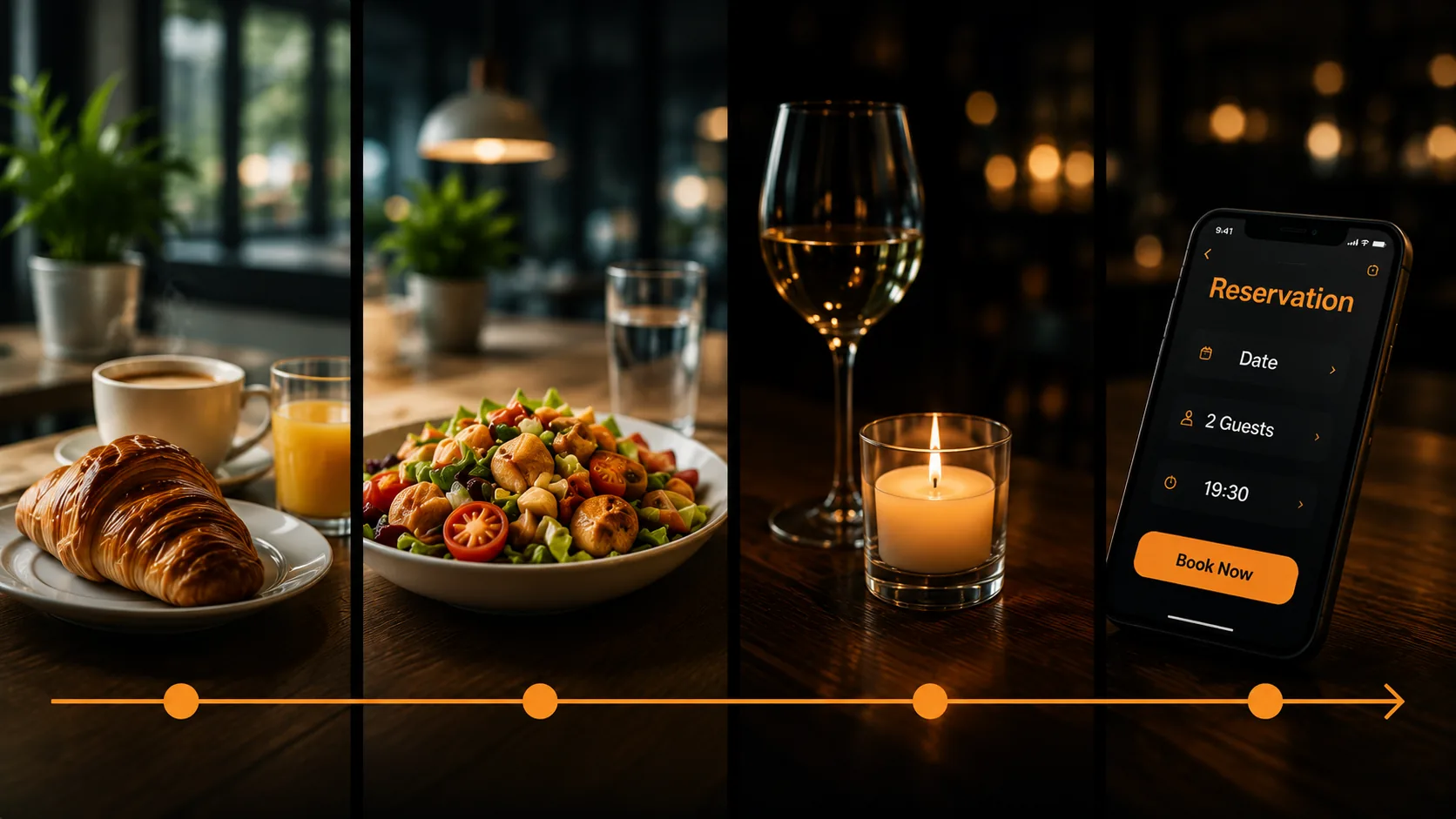
Breakfast in the morning. Menu at noon. Reservation in the evening.

Set it up once. It runs itself after that.

Premium: automatic target control by weekday and time.

Switches automatically · approx. 8 seconds

Do you see yourself here?

Hospitality

Your menu changes? Your printed table QR stays – you only change its target.

Trade & services

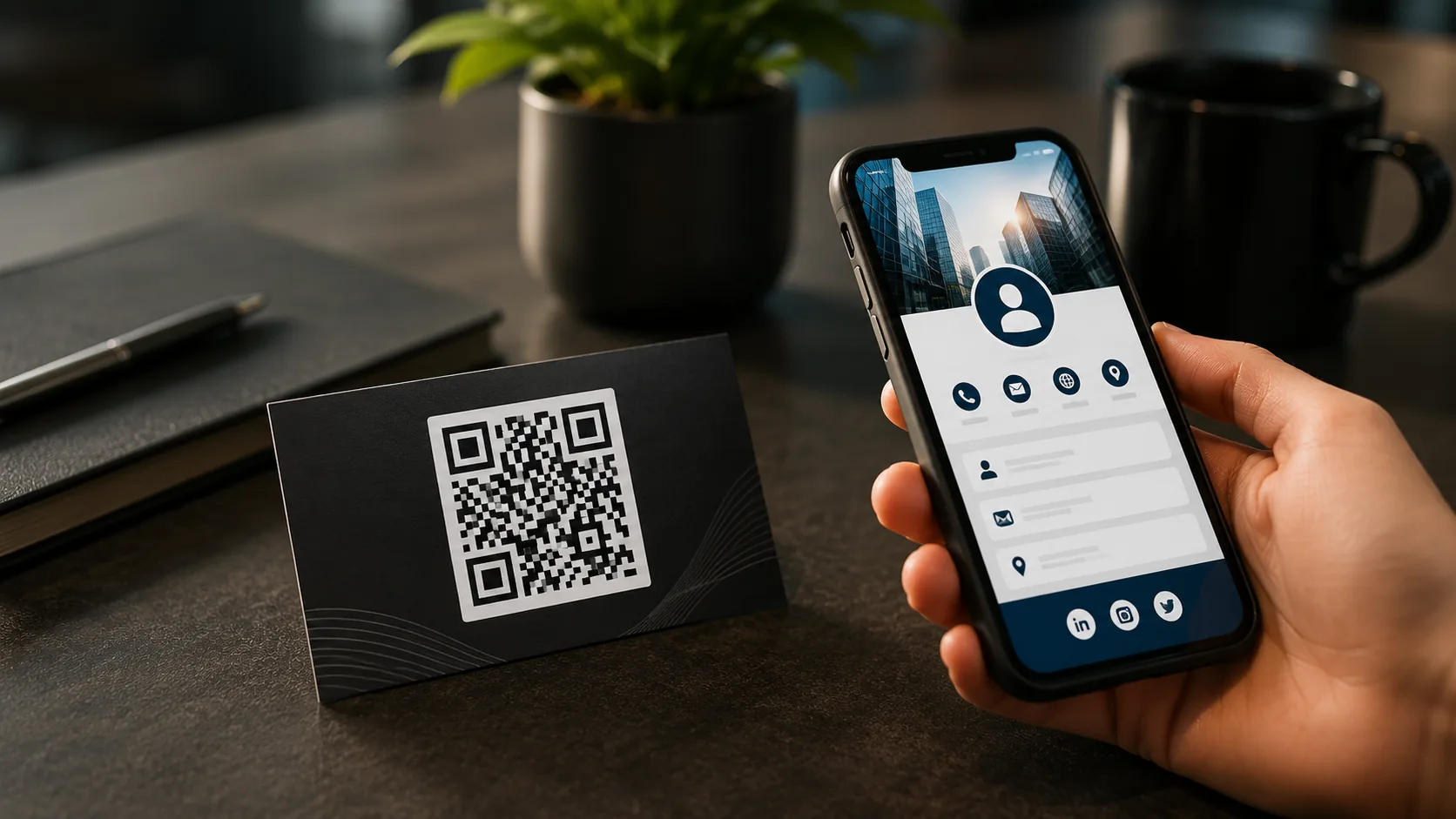
Your vehicle branding stays. Offer, website or contact target can be changed any time.

Retail

The campaign changes, your printed QR code stays. Simply guide your customers to the next offer.

Clubs & events

The poster stays up. Date, venue, programme or current info behind it can change any time.

Practices

The info brochure stays usable. Behind it you can change booking, directions, forms or current notices.

Real estate

The sign on the property stays. Exposé, contact or current sales status behind it can change.

Basic or Premium?

The question isn’t how many features you need.
It’s how much your QR code should do for you.

Basic

You change the target.

For everyone who manages their own QR code and wants to change the target manually when needed.

  • Change the target manually any time
  • Manage the QR code in the portal
  • PNG and JPG download
  • For simple, clearly defined use cases

Start simple. Stay in control.

The right choice for most Premium

Your code changes its target on its own.

In addition to the Basic features, you control content automatically and get advanced print and content options.

  • Target control by weekday and time
  • Multiple contents / variants
  • Language variants
  • SVG and PDF QR export
  • Label and print functions

Set it up once. It runs itself after that.

At 10 codes, Premium costs just 11,00 € more per year.

That works out to about 92 cents a month.

Now all you need is the right quantity.

Choose your plan by the number of QR codes. The 10, 30 and 50 tiers mainly differ in quantity and the resources that come with them.

BasicPremium
10 codes 18,00 €/ year 29,00 €/ yearRecommended
30 codes 39,00 €/ year 49,00 €/ year
50 codes 59,00 €/ year 69,00 €/ year

10 codes

Basic18,00 €/ year
PremiumRecommended29,00 €/ year

30 codes

Basic39,00 €/ year
Premium49,00 €/ year

50 codes

Basic59,00 €/ year
Premium69,00 €/ year

Select a tariff

Recommended Book this tariff →

Not sure yet? Start small.

Starter 2

2 codes with Premium features

9,00 €/ year

Ideal if you want to start with two codes first.

Start with Starter →

Only one setup fee.

14,50 €

You only pay the setup fee on your first contract. If you later move to a bigger plan, it is not charged again.

Start once. Upgrade later. No new setup fee.

Promo90 – 90-day trial

Try it free for up to 90 days.

Test the QR-Manager with Premium features calmly in everyday use. The earlier you choose a regular plan, the higher your discount on the one-time setup fee.

Day 1–30 100% discount You save 14,50 € Full savings on the setup fee.
Day 31–60 50% discount You save 7,25 € Half the setup fee.
Day 61–90 25% discount You save 3,63 € A quarter of the setup fee.

Deciding early pays off.

Start Promo90 now

Enter your email, create access and get started right away.

Activation happens immediately after submitting.

I already have an account

Any questions?

What’s the difference from a normal QR code?

A normal QR code has a fixed target. With the QR-Manager, the printed code stays the same – you only change its target, anytime and without reprinting.

Can I change the target any time later?

Yes. You change your QR code’s target directly in the portal – whenever you like. The printed code stays fully usable.

What’s the difference between Basic and Premium?

With Basic, you change the target manually. Premium controls your target automatically by weekday and time and additionally offers multiple contents, language variants, SVG and PDF export, and label and print functions.

What happens after the up-to-90-day trial?

After the trial ends, you receive three reminders seven days apart. If no regular plan is chosen by then, your trial access is blocked and your customer account is deleted. The QR code created during the trial is deleted and cannot be restored.

Is the setup fee charged again on a later upgrade?

No. The setup fee only applies to your first contract. A later upgrade does not create a new setup fee.

Do I need an app to scan?

No. You scan the QR code with your smartphone camera – no separate app needed.

Are there tutorials or videos about the QR-Manager?

Yes. You’ll also find tutorials and practical examples on our YouTube channel, where we show you step by step how to use the QR-Manager and its features. Go to the YouTube channel →

NOT FOR YOU? MAYBE FOR SOMEONE YOU KNOW.

Do you know someone who uses QR codes on menus, flyers, vehicle branding, signs or other printed material? Then just send them this page.

Copied to clipboard.